Script to animation
Turn a script or a story into an animated video
Paste your own script, or let StoryToonAI write one from your idea, and get back a finished cartoon: a storyboard, the same characters in every scene, animated pictures, narration, music and captions.
Approve each step yourself, or switch on Auto-approve and let it run from the script to the finished video.
Your first script is free, with no card. Making the video uses credits.
 Explainer Toon
Two ways to start
- 1
Use my own script
Paste the words you want narrated, up to 60,000 characters. They are read as written, and their length sets the video’s. A script too long for its format is turned down before anything is made, with how much to cut. Leave out page titles, scene headings and timecodes.
- 2
Write it for me
Describe an idea and the script is written in the style and length you picked. Edit it yourself, ask for changes in plain words (“shorter”, “funnier ending”), or deny it for a fresh take. Every version is kept.
How the script becomes animation
- A storyboard: the script is split into shots, one or more for each line
- A cast: each character and place is designed once and kept the same in every scene
- Animated scenes in the style you picked
- The narration, music and captions, timed to the words
- One finished MP4, with a title, description and hashtags
Shorts and long videos
Every style makes vertical 9:16 Shorts from 15 seconds to 3 minutes. Explainer Toon, 3D Toy Film and Storybook also make long 16:9 videos from 3 to 15 minutes, for YouTube and anywhere else.
Full automation
From one idea to a finished video. Automatically.
Pick a style, type your idea and switch on Auto-approve. StoryToonAI writes the script, plans the storyboard, draws and animates every scene, and adds the voice, music and captions, with no approval steps in between. Or check each step yourself.
Full automation
- One switch, then one send
- Script and storyboard written and approved for you
- Every scene drawn and animated
- Voice, music and captions added
- Title, description and hashtags written
- Stops when the video is ready, so you watch it first
Step by step
- Read and edit the script, or ask for changes in plain words
- Deny a script and get a fresh take; every version is kept
- Check the storyboard and the characters
- See the price before you press Generate
- Switch on “Auto-approve the rest” at any step
Posting is a separate step: Auto-approve never posts. On a monthly plan, post each finished video to YouTube, TikTok, Instagram, Facebook and X right away or on a schedule. On pay as you go, download the MP4 and post it yourself.
Each step uses credits as it runs. If your balance runs out, Auto-approve pauses and says how many the next step needs; add credits and press Resume.
What it costs
Every style has its own price, in credits a second of finished video, and every video shows its exact price before you press Generate (or its estimate before you send, with Auto-approve on). For example, a 45-second Block Town Short is about 430 credits. Steps that fail are never charged.
| Style | Credits a second | A 45-second Short | Long videos (16:9) |
|---|---|---|---|
| Explainer Toon | about 3.2 | about 140 | about 2.2 a second |
| 3D Toy Film | about 3.2 | about 140 | about 2.2 a second |
| Motion FX | about 4.5 | about 200 | Shorts only |
| Storybook | about 3.2 | about 140 | about 1.8 a second |
| 3D Explainer | about 14 | about 630 | Shorts only |
| Best Fit | about 18.9 | about 850 | Shorts only |
| Toy Workshop | about 18.9 | about 850 | Shorts only |
| Cut-out Animation | about 4.5 | about 200 | Shorts only |
| Block Town | about 9.6 | about 430 | Shorts only |
Typical figures for each style: your own video shows its exact price before you press Generate. $1 buys 100 credits, from $5, and bought credits never expire. See plans and credit packs
Stories made in our styles
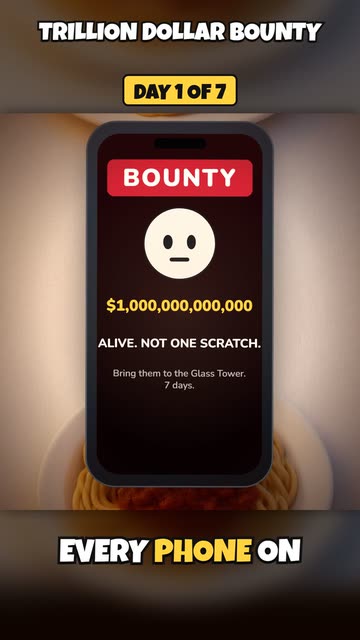
A trillion dollar bounty on your head: day 1 of 7
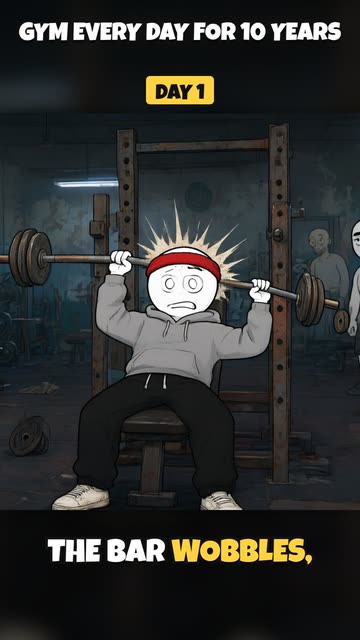
Make one like thisGym every day for 10 years: day 1 against year 10
Make one like this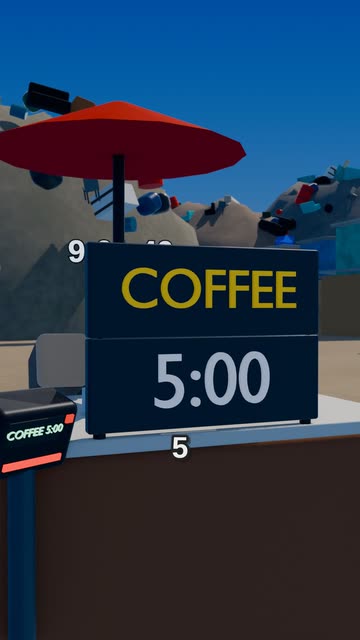
In this world, everyone pays with time
Make one like this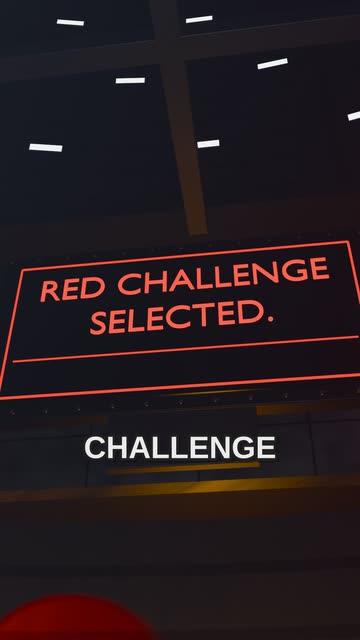
In this world, everyone votes on their challenge
Make one like this
Made by our team in these styles for our own channel, with our own ideas and a few fixes by hand. Full Auto-approve runs, with their prompts and credit totals, will be added here as we make them.
FAQ
Questions, answered
How do I animate a script with AI?
Open New video, choose “Use my own script”, paste it and pick a style. StoryToonAI plans a shot for each line, designs the characters, animates the scenes and adds the narration, music and captions.
Can AI turn a story into a cartoon?
Yes. Paste your story as a script, or describe it in a sentence and let the script be written for you; StoryToonAI makes the finished cartoon in the style you pick.
Will the characters look the same in every scene?
Yes. Each character is designed once, and every scene is drawn from that design.
How long can my script be?
Up to 60,000 characters, as long as it fits the format: up to 3 minutes for a Short and up to 15 minutes for a long video. A script that runs long is turned down before anything is made, with how much to cut.
Can I edit the script after it’s written?
Yes. Edit the words yourself, ask for changes in plain words, or deny it and get a fresh take. With Auto-approve off, nothing is drawn until you approve the script.
Which languages can it write in?
English, Spanish, Portuguese, French, German, Italian, Hindi, Japanese, Korean and Indonesian.