Your first script is free. No card to start.
Type an idea. Get a finished animated video.
StoryToonAI is a fully automated AI animated video generator: it writes the script, animates every scene and adds the voice, music and captions. Let Auto-approve run it start to finish, or check each step yourself. On a monthly plan it posts to YouTube, TikTok, Instagram, Facebook and X.
- Fully automated, or check each step
- Price shown before you press Generate
- Failed generations are free
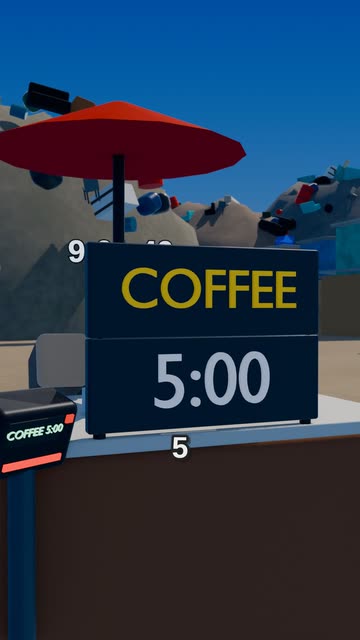 Block Town
Made with StoryToonAI
Animated videos that look like a studio made them
Pick a look and type one sentence. Let it run start to finish, or approve each step.
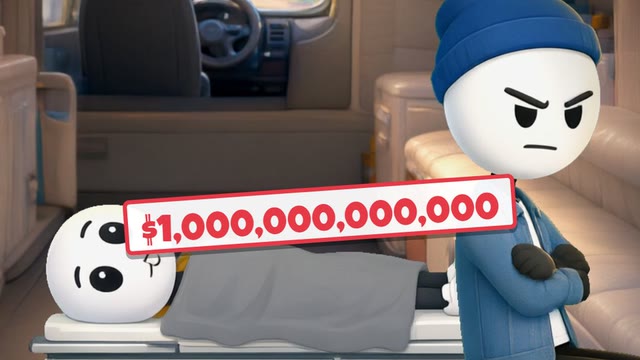 Block Town
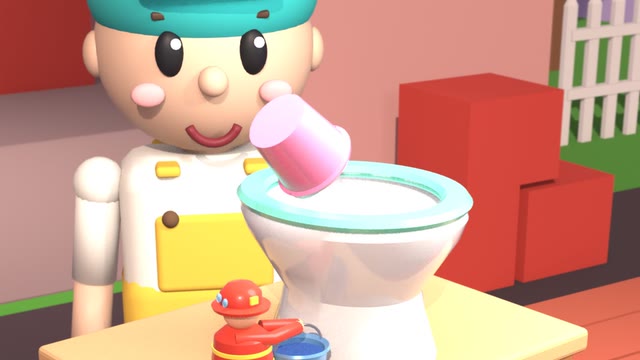
New Trending Block Town
Viral “In this town…” story videos, made for you
An absurd rule, a whole town that lives with it, and a twist nobody sees coming. A fast narrator tells it, blocky 3D people act it out in a town built for your story, and one-word captions keep every eye on the screen.
- A brand-new story every time, from one line of yours
- Up to 3 minutes, the length the viral ones run
- Captions, voice and music done for you
- Your first script is free, no card
Start from an idea:
Block TownFinished videos
Watch one. Then make your own.
Real videos made in our styles. Start from one: the same style and a fresh idea in the same pattern, yours to change.
In this world, everyone pays with time
Starts you with “In this town, everyone pays with laughs, and a coffee costs one real laugh”
Make one like this
In this world, everyone votes on their challenge
Starts you with “In this town, a giant wheel spins every morning and picks your job for the day”
Make one like this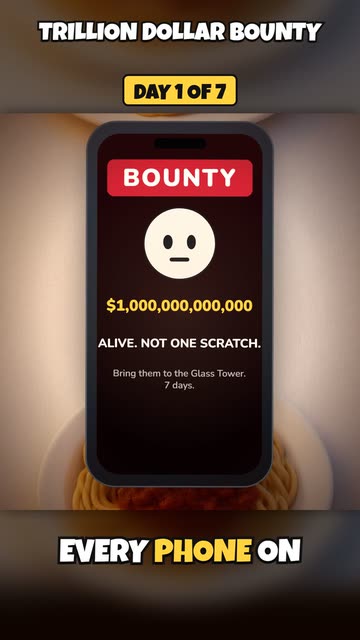
A trillion dollar bounty on your head: day 1 of 7
Starts you with “You wake up as the only person on Earth who can’t lie. Survive 7 days.”
Make one like this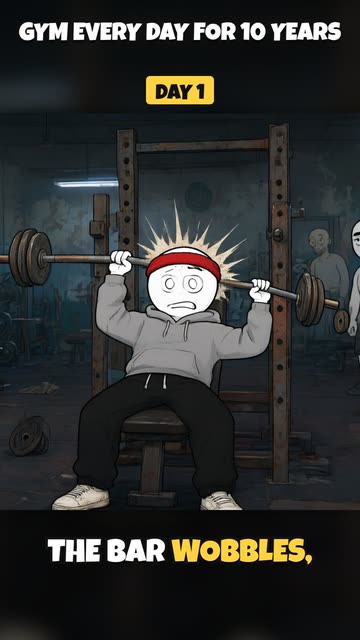
Gym every day for 10 years: day 1 against year 10
Starts you with “You practice piano every day for 10 years”
Make one like this
Full automation
From one idea to a finished video. Automatically.
Pick a style, type your idea and switch on Auto-approve. StoryToonAI writes the script, plans the storyboard, draws and animates every scene, and adds the voice, music and captions, with no approval steps in between. Or check each step yourself.
Full automation
- One switch, then one send
- Script and storyboard written and approved for you
- Every scene drawn and animated
- Voice, music and captions added
- Title, description and hashtags written
- Stops when the video is ready, so you watch it first
Step by step
- Read and edit the script, or ask for changes in plain words
- Deny a script and get a fresh take; every version is kept
- Check the storyboard and the characters
- See the price before you press Generate
- Switch on “Auto-approve the rest” at any step
Posting is a separate step: Auto-approve never posts. On a monthly plan, post each finished video to YouTube, TikTok, Instagram, Facebook and X right away or on a schedule. On pay as you go, download the MP4 and post it yourself.
Each step uses credits as it runs. If your balance runs out, Auto-approve pauses and says how many the next step needs; add credits and press Resume.
9 looks, one click
Pick a style. Every scene keeps it.
How it works
From one sentence to a posted video
Run it start to finish with Auto-approve, or stay in charge of every step. We do the drawing, the voices, the edit and, on a monthly plan, the uploading.
- 1
The script
Our AI writes the script from your idea, or uses the one you paste. Switch on Auto-approve and it carries straight on; leave it off to edit it, ask for changes in plain words, or start over. Your first script is free.
- 2
We make every frame
Storyboard, the same characters in every scene, pictures, animation, voice, music and captions. You see the price before it starts.
- 3
Posted on your schedule
On a monthly plan, pick your accounts and a time. The title, description and hashtags are written for you, and the video goes out on its own. On pay as you go, download the MP4.
Auto-posting
Make it once. It posts itself.
Connect your accounts one time. Finished videos go out right away or on the day and time you set, even while you sleep. The title, description and hashtags are written for you, and you sign in on each platform’s own page, so we never see your password.
- Mon 5:00 PMA trillion dollar bounty: Day 1 Posted
- Tue 5:00 PM
 Survive 7 days in the cabin Posted
- Wed 5:00 PM
 Stuck at the South Pole Posting
- Thu 5:00 PM
 The kid nobody picks Scheduled
Pricing
Start free. Pay for what you make.
Your first script costs nothing. After that, every video shows its price in credits before you press Generate.
Pay as you go
Buy credits when you need them.
$0no subscription
buy credits from $5, any amount
Make a video whenever you like
Download and post yourself
- Your first script free
- Buy any amount of credits from $5
- Shorts and long videos
- Download every video as an MP4
- One video in production at a time
Starter
Try auto-posting with one brand.
$13/ month
$150 billed yearly, or $12 for your first month on monthly
Auto-posts to all 5 platforms
- 1,350 credits every month
- Faster queue
Creator
For a channel that posts every week.
$24/ month
$290 billed yearly, or $23.20 for your first month on monthly
Auto-posts to all 5 platforms
- 2,700 credits every month
- Two videos in production at once
- Faster queue
- Recommended
Pro
For daily posting across several brands.
$66/ month
$790 billed yearly, or $63.20 for your first month on monthly
Auto-posts to all 5 platforms
- 7,200 credits every month
- Unused credits roll over for a month
- Three videos in production at once
- Priority queue
Studio
For agencies and networks of brands.
$166/ month
$1990 billed yearly, or $159.20 for your first month on monthly
Auto-posts to all 5 platforms
- 18,000 credits every month
- Unused credits roll over for a month
- Five videos in production at once
- Top of the queue, new styles first
Not ready for a plan? Buy any amount of credits from $5 ($1 buys 100 credits). Every style shows its credits a second, and bought credits never expire.
FAQ
Questions, answered
Can I try it free?
Yes. Your first script is free, with no card: describe an idea and we write it with you. After that, every video shows its price before you press Generate.
Is it fully automated?
Yes, if you want it to be. Switch on Auto-approve (under Options on New video, or “Auto-approve the rest” on any project) and one send makes the whole video: the script, the storyboard, every animated scene, the voice, music and captions, and the post text, with no approvals in between. It stops when the video is ready so you can watch it first, and it never posts by itself.
Do I have to approve the script and storyboard?
No. Approvals are optional. Leave Auto-approve off and nothing is drawn until you approve the script and the storyboard: edit the text yourself, ask for changes in plain words (“shorter”, “funnier ending”), or deny it and get a fresh take. Every version is kept.
What does a video cost?
It depends on the style and the length: styles differ a lot in price, so every style shows its credits a second, and you see the video's exact price before you press Generate. For example, a 45-second Block Town Short is about 430 credits. $1 buys 100 credits. Monthly plans add credits every month and auto-posting to all 5 platforms. Generations that fail are never charged.
Can it make “In this town…” Block Town videos?
Yes. Block Town makes the viral “In this town…” story Shorts with blocky 3D characters in a town built for your story, with a fast narrator, music and one-word captions, from one line. See the Block Town page for examples and prices.
Where can it post?
YouTube, TikTok, Instagram, Facebook and X. On a monthly plan you connect your accounts once, and each finished video posts right away or at the time you pick. You sign in on each platform’s own page, so we never see your password. On pay as you go, you download the MP4 and post it yourself.
How many accounts can it post to?
Every monthly plan, from Starter up, posts each finished video to your brand's YouTube, TikTok, Instagram, Facebook and X accounts, right away or on your schedule. Pay as you go has no auto-posting: you download the MP4 and post it yourself.
Do I need my own AI accounts?
No. Script writing, pictures, clips, voices and music all run on our accounts and are billed in credits.
What happens to unused plan credits?
Plan credits are used before bought credits and renew every month. On Pro and Studio, up to one month of unused credits rolls over. Credits you buy (any amount from $5) never expire.
Who owns the videos?
You do. The scripts, pictures, voices and music are made for your project, and you can post the finished video anywhere.
Can I cancel?
Any time, from Billing. Your plan runs to the end of the month you paid for, then you’re on pay as you go with any credits you bought. Auto-posting ends with the plan, and posts still scheduled are canceled.
Can I get a refund?
No. All purchases, credits and plans, are final. That is why every video’s price is shown before it is made, and why you can check the script and storyboard first if you want to. If a fault on our side wastes credits, we put them back.